How-to / Key
How to change the key of a song on iPhone.Transpose any track by semitones
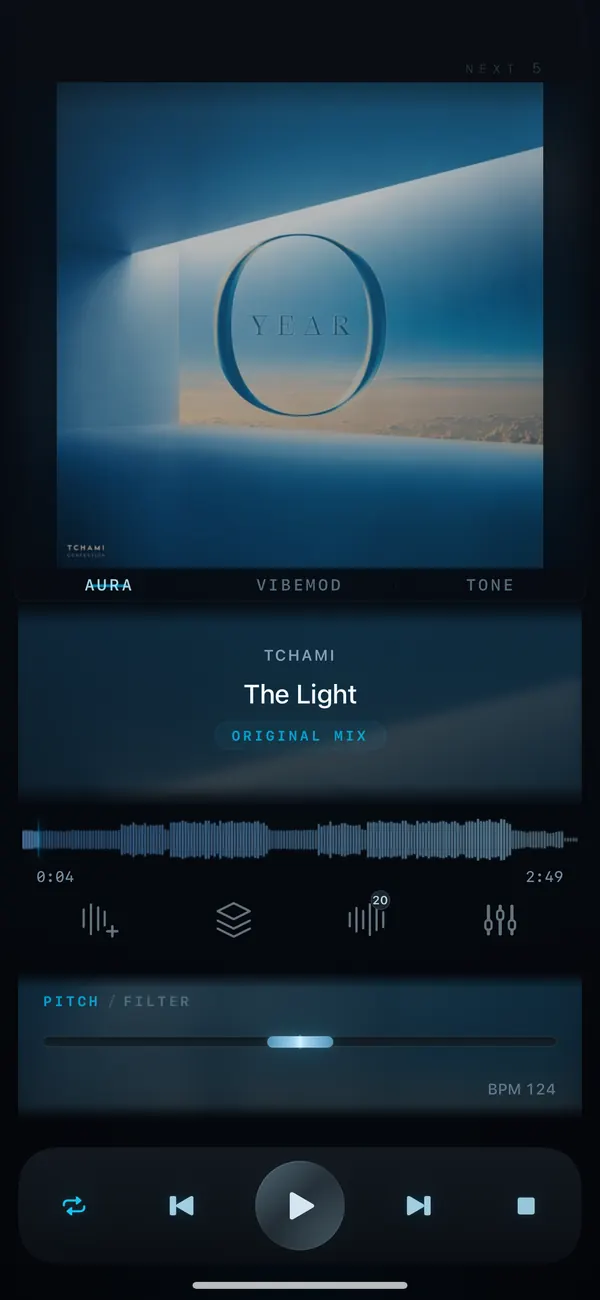
To change the key of a song on iPhone, open the track in VibeDeck Player, go to Pitch and move it up or down in semitones (up to ±8). Tempo stays the same, the change is instant, and it works offline with your own MP3, FLAC, WAV, AAC and ALAC files.
The built-in Music app on iPhone cannot transpose a song. Singers, guitarists and sax players end up hunting for karaoke versions or re-recording backing tracks. A real-time pitch shifter fixes that in one move: the same recording, in the key that fits your voice or instrument.
Features / 03
Why use VibeDeck Player to transpose
Semitone steps
Move a song up or down by up to 8 semitones. One semitone is one piano key, so you always know exactly where you are.
Tempo stays
Pitch and tempo are independent. Change the key and the song keeps its original speed, or slow it down as well.
Your own files, offline
Works on local MP3, FLAC, WAV, AAC, ALAC and AIFF files. No upload, no internet, no account.
Step by step
- Install VibeDeck Player from the App Store (it is also on Google Play for Android).
- Import your track from Files, iCloud Drive, Downloads or AirDrop.
- Start playback and open the Pitch control.
- Move pitch down to make a song lower (for example −2 for a deeper voice) or up to make it higher.
- Sing or play along. Tempo is not affected unless you change it.
How many semitones do I need?
- Too high to sing: try −1 to −3 semitones.
- Female vocal sung by a male voice: often −3 to −5.
- Eb-tuned guitar track, standard-tuned guitar: +1 semitone.
- Bb instrument (trumpet, tenor sax) reading concert pitch: −2 semitones.
- Eb instrument (alto sax): +3 semitones.
Pitch control is part of VibeDeck Premium; the player itself is free with no ads.
Also see: slow down a song without changing pitch, music player with pitch and tempo control.
FAQ / 05
Changing key on iPhone: FAQ
Can you change the key of a song on iPhone?
Yes. The built-in Music app cannot, but VibeDeck Player can: it shifts the pitch of any local song by up to plus or minus 8 semitones in real time, without changing tempo.
Does changing the key change the speed?
No. In VibeDeck Player pitch and tempo are independent, so the song keeps its original speed when you transpose it.
Can I transpose Apple Music or Spotify songs?
No. Streaming apps protect their tracks, so no third-party app can process them. VibeDeck Player works with audio files you own, such as MP3, FLAC, WAV, AAC and ALAC.
Does it work offline?
Yes. Transposing happens on your iPhone, with no internet connection and no upload.
Is pitch control free?
VibeDeck Player is free to download with no ads. Pitch and the full sound engine are part of VibeDeck Premium: monthly, yearly or a one-time lifetime purchase.
Download / iOS · Android
Download VibeDeck Player
Put any song in your key. Offline, instantly, no ads.