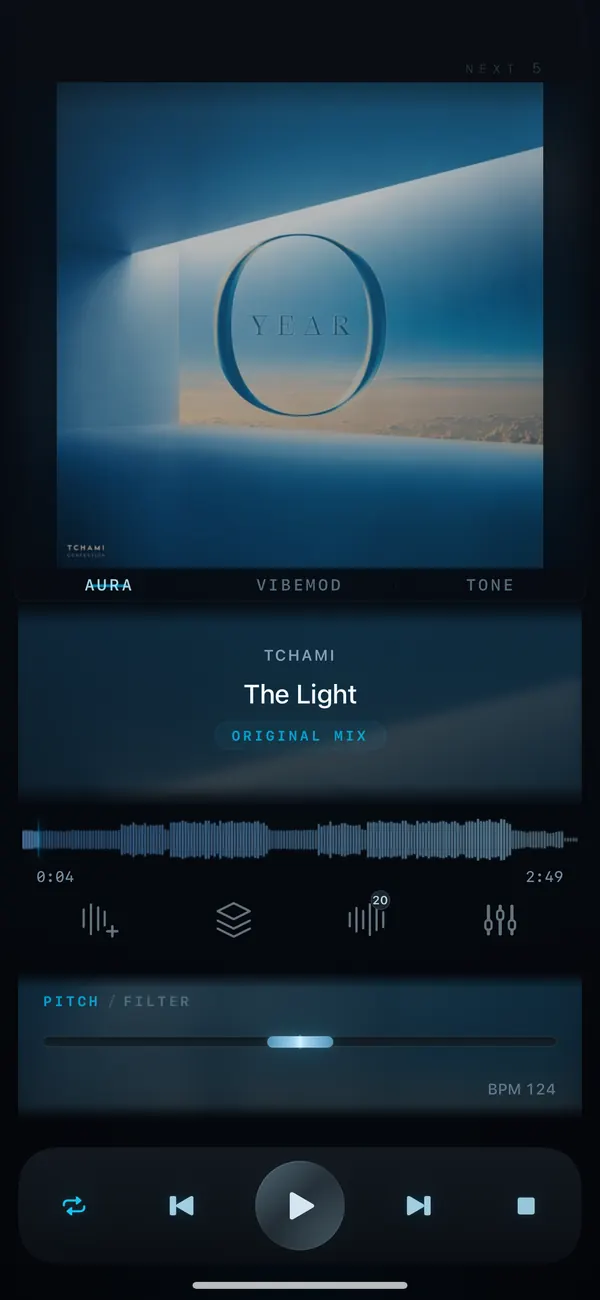
Studio / Coming soon
VibeDeck Studio: remix and clip your music.Slowed + reverb, nightcore and loop maker
VibeDeck Studio is coming to VibeDeck Player in the next update. Slice any track into loops from one beat to 16 bars, apply one-tap effects like Slowed + Reverb, Nightcore, Underwater and Dub Delay, fine-tune pitch, filter and limiter, then export a clip for TikTok, Reels or Shorts.
Sped-up, slowed + reverb and nightcore edits drive half the sounds on TikTok, and making one usually means a laptop, a DAW and an hour. VibeDeck Studio does it on your phone with the songs you already own: pick a section, tap an effect, export.
Features / 03
What VibeDeck Studio does
Loop Slicer
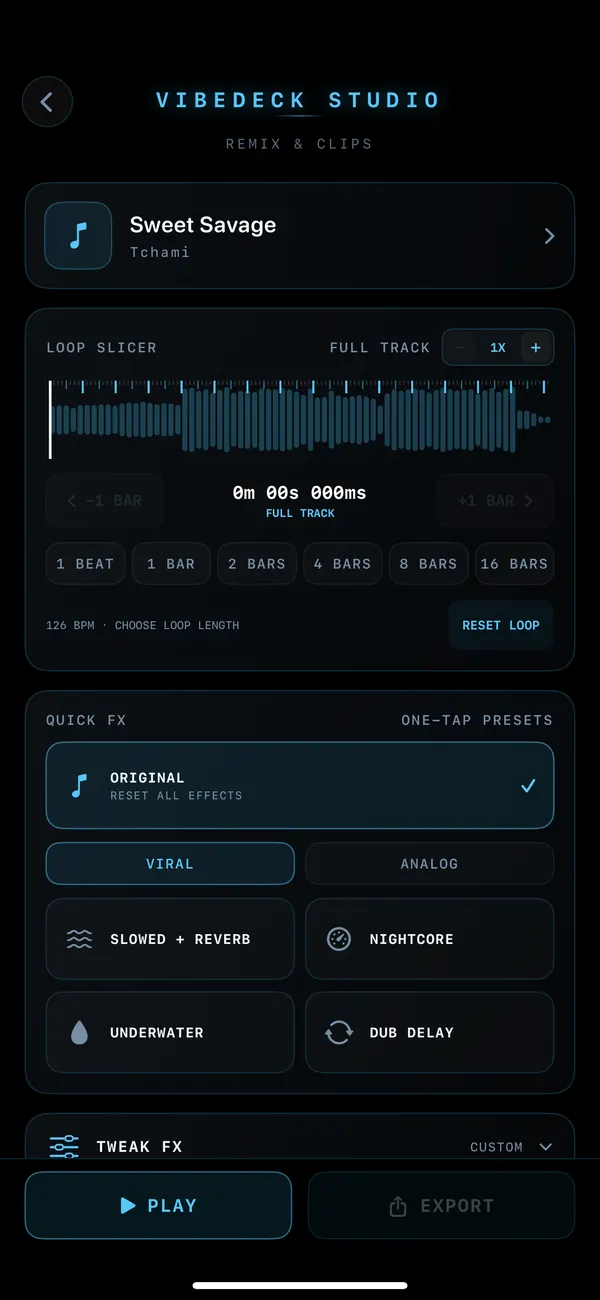
Tempo-aware loops of 1 beat, 1, 2, 4, 8 or 16 bars, with bar-by-bar nudging and millisecond timing on the waveform.
One-tap FX
Original, Viral, Analog, Slowed + Reverb, Nightcore, Underwater and Dub Delay presets, plus Tweak FX for custom settings.
Export for social
Save as 24-bit WAV, M4A (AAC) or MP4 video with the music visualizer, ready for TikTok, Instagram Reels and YouTube Shorts.
How it will work
- Open a track from your library in VibeDeck Studio.
- Choose a loop length or keep the full track.
- Tap a Quick FX preset such as Slowed + Reverb or Nightcore, or shape your own with Tweak FX, pitch and filter.
- Press Play to preview, then Export to WAV, M4A or MP4.
Made for
- Creators making sped-up, slowed and nightcore sounds for TikTok and Reels.
- DJs preparing loops and edits on the go.
- Dancers cutting the exact section they rehearse.
- Producers sketching ideas from reference tracks.
VibeDeck Studio arrives as a free update to VibeDeck Player. Install the app now to get it as soon as it ships. Use only music you own or have the rights to share.
Also see: pitch and tempo control, slow down a song without changing pitch.
FAQ / 05
VibeDeck Studio FAQ
What is VibeDeck Studio?
VibeDeck Studio is the remix and clip section of VibeDeck Player: a loop slicer, one-tap effects like Slowed + Reverb and Nightcore, and export to WAV, M4A and MP4 video.
How do I make a slowed + reverb version of a song on my phone?
Open the song in VibeDeck Studio and tap the Slowed + Reverb preset. Preview it, adjust with Tweak FX if you like, then export the result.
Can I make nightcore on iPhone?
Yes. VibeDeck Studio has a one-tap Nightcore preset that speeds up and raises a track, and you can export it as audio or video.
Which export formats are supported?
24-bit WAV without compression, M4A (AAC) and MP4 video with the VibeDeck music visualizer.
When is VibeDeck Studio available?
It is coming in the next update of VibeDeck Player for iPhone. Install VibeDeck Player now and the update will add Studio automatically.
Download / iOS · Android
Download VibeDeck Player
Get VibeDeck Player now and Studio lands in your next update.