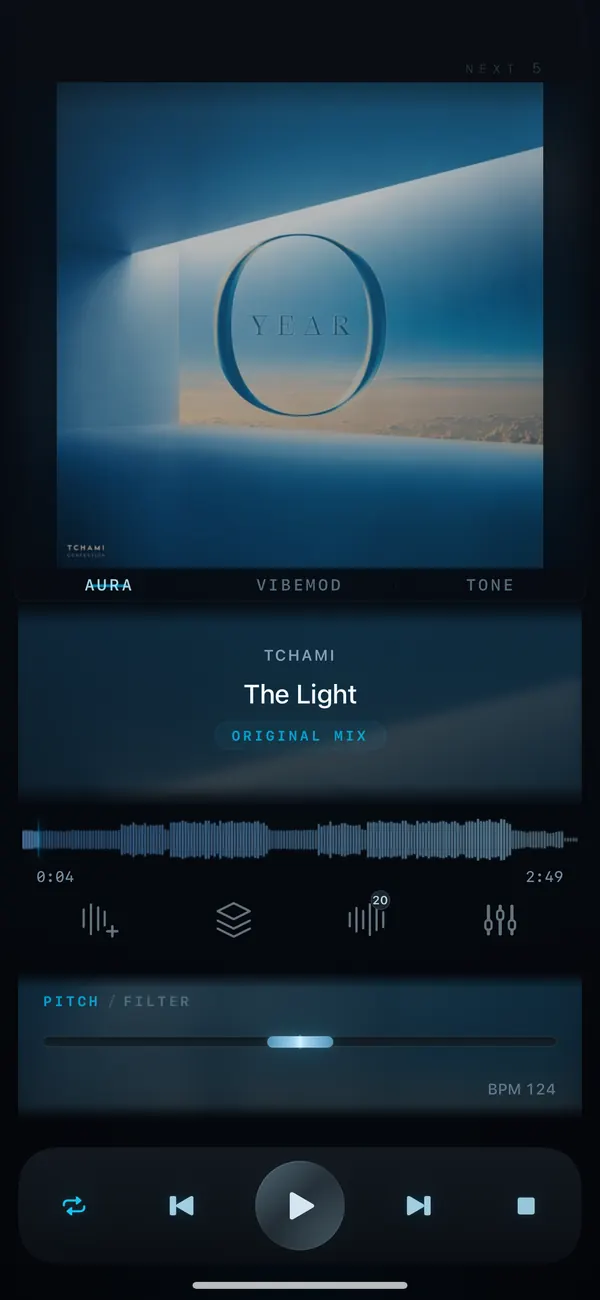
How-to / Tempo
Slow down a song without changing its pitch.Tempo control for practice
To slow down a song without changing pitch, open it in VibeDeck Player and lower the Tempo control. The song plays slower but stays in the same key, so you can learn a solo, a dance routine or fast lyrics, then bring it back to full speed. Works offline on iPhone, iPad and Android.
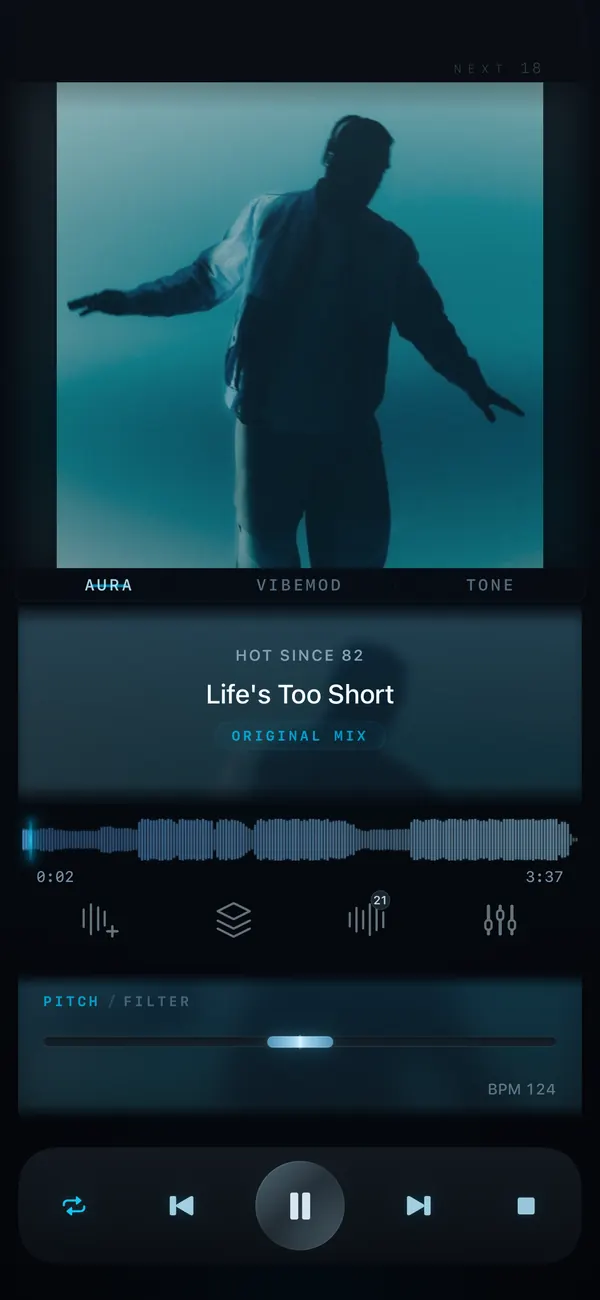
Playing a track slower on a basic player makes it sound low and muddy, like a tape running down. Time-stretching keeps the key while the speed changes, which is how musicians and dancers actually practice: slow first, then faster, then full tempo.
Features / 03
Built for practice
Same key, any speed
Tempo is independent from pitch, so a slowed-down song stays in tune with your instrument.
Change key too
Need it slower and lower? Combine tempo with pitch shifting of up to ±8 semitones.
Offline and private
Your files stay on your device. No upload, no internet, no ads during practice.
Step by step
- Install VibeDeck Player from the App Store or Google Play.
- Import the song from your files.
- Open the Tempo control and lower it until the hard part is comfortable.
- Practice, then raise the tempo step by step until you reach the original speed.
Who uses it
- Guitarists and pianists learning solos and fast passages by ear.
- Dancers and coaches rehearsing choreography at a slower count.
- Singers catching fast lyrics and runs.
- DJs preparing transitions at matching tempo.
- Language learners listening to songs or recordings more slowly.
Tempo and pitch are part of VibeDeck Premium; the player itself is free with no ads.
Also see: change the key of a song on iPhone, pitch and tempo control.
FAQ / 05
Slowing down songs: FAQ
How do I slow down a song without changing the pitch?
Use a player with independent tempo control, such as VibeDeck Player. Lower the tempo and the song plays slower in the same key.
Can I slow down music on iPhone?
Yes. VibeDeck Player slows down local music files on iPhone and iPad without changing pitch, offline.
Does it work on Android?
Yes. VibeDeck Player is available on Google Play with the same tempo and pitch controls.
Which files can I slow down?
Any file VibeDeck Player plays: MP3, WAV, FLAC, M4A/ALAC, AAC, AIFF and CAF. Streaming tracks from Spotify or Apple Music cannot be processed by third-party apps.
Can I also change the key?
Yes. Pitch and tempo are independent, so you can slow a song down and transpose it by up to plus or minus 8 semitones at the same time.
Download / iOS · Android
Download VibeDeck Player
Practice at your speed, in your key. Offline. No ads.