Guide / DJ
DJ app for iPhone and Android:mix and remix anywhere
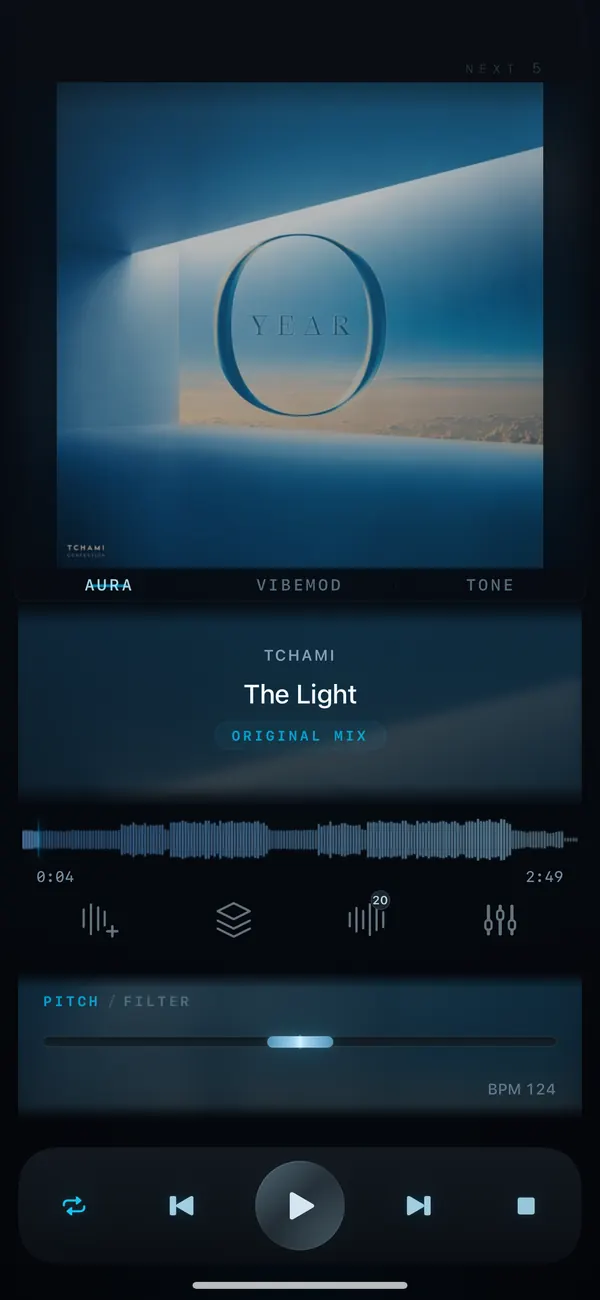
VibeDeck Player is a DJ app for iPhone, iPad and Android that turns your offline music library into a mixing playground. Open VibeDeck Studio, snap a loop to the beat grid, run it through live pitch, filter, saturation and space effects, and record the clip. No accounts, no ads, no decks to carry.
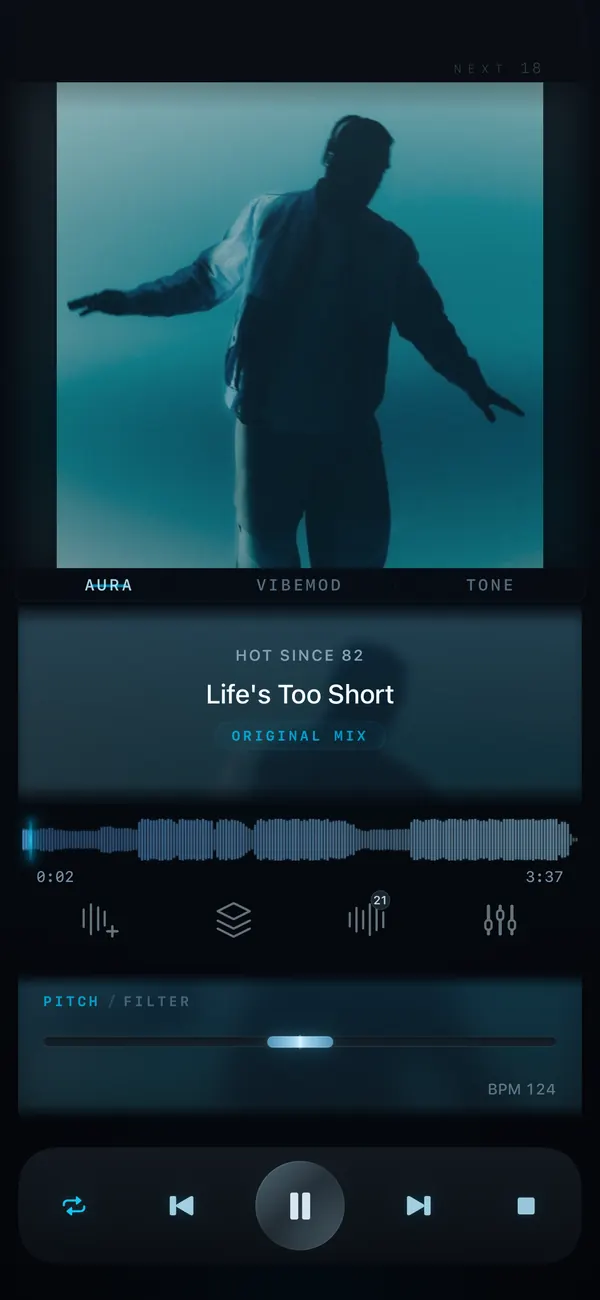
Most DJ apps need a subscription, a cloud library or hardware to feel useful. VibeDeck takes the other route: your own tracks, already on your phone, plus the handful of tools DJs actually reach for every day. Loops, effects, pitch, EQ and a record button, all working offline.
Features / 03
Your pocket DJ booth
Beat-snapped loops
Loop any part of a track from half a bar to 8 bars, snapped to the beat grid. Fine-tune the grid, analyze tracks in seconds and keep the loop tight.
Live effects
Pitch, filter, saturation and space effects with presets, all running live on the loop or the track. Shape the sound, then shape it again.
Record and share
REC captures your take as a clip of up to 2 minutes with fade in and fade out, ready to share. No studio needed, no export queue.
Mix with pitch, tempo and EQ
Loops and effects get the attention, but a DJ app lives or dies by its basics. VibeDeck gives you pitch control of up to ±8 semitones with tempo working independently, so you can blend two tracks at the same speed and key. The 3-band EQ with gain cleans up the mix, and the limiter (Premium) keeps loud peaks from clipping on a phone speaker.
Step by step
- Install VibeDeck Player from the App Store or Google Play.
- Open a track from your offline library in VibeDeck Studio.
- Pick a section and snap a loop to the beat grid, from half a bar to 8 bars.
- Run it through the pitch, filter, saturation and space effects.
- Hit REC and capture up to 2 minutes with fades, then share the clip.
Who uses it
- Bedroom DJs sketching remixes and mashups on the couch or on the train.
- Dancers and choreographers looping a break to drill a routine.
- Producers auditioning ideas over their own loops before opening the DAW.
- Party hosts stretching a favorite section while the room is still moving.
- Practice players looping a hard solo at reduced tempo, in the same key.
Studio is the creative toolkit in VibeDeck Player; the core player is free with no ads and no account.
Also see: how to loop part of a song, the DJ filter effect, pitch and tempo control, VibeDeck Studio for the full toolset.
FAQ / 05
DJ app: FAQ
Can I DJ with VibeDeck Player?
Yes. VibeDeck Studio gives you beat-snapped loops from half a bar to 8 bars, live pitch, filter, saturation and space effects, plus clip recording, all offline on iPhone, iPad and Android.
What loops does VibeDeck Studio have?
Loops from half a bar to 8 bars, snapped to the beat grid. You can fine-tune the grid, analyze tracks quickly, and record a looped section as a clip of up to 2 minutes.
Which DJ effects are included?
Pitch, filter, saturation and space effects with presets, all running live in VibeDeck Studio. The player itself adds a 3-band EQ with gain and a limiter.
Can I match the tempo of two tracks?
Yes. Pitch shifts up to plus or minus 8 semitones and tempo works independently, so you can blend tracks at the same speed and key without artifacts.
Can I record my mixes?
Yes. REC captures clips of up to 2 minutes with fade in and fade out, and you can share the clip right from the app.
Download / iOS · Android
Download VibeDeck Player
Loop, effect and record your tracks. Offline. No ads.