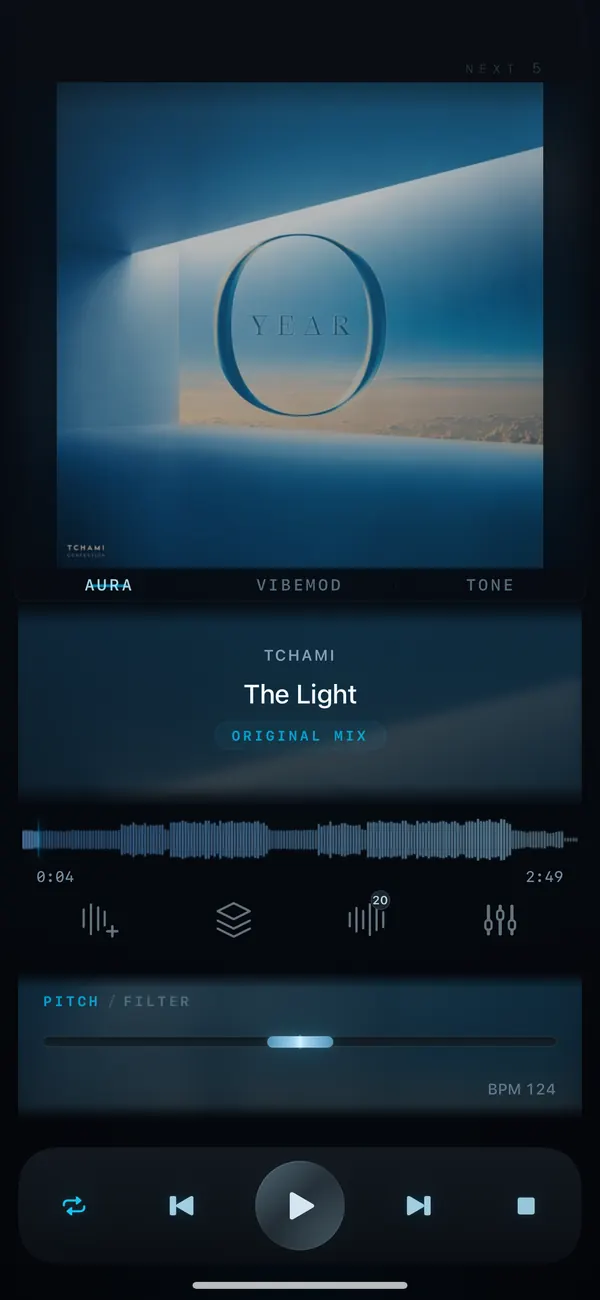
How-to / DJ FX
DJ filter effect: how to use it.Sweep LP to HP, live
To use the DJ filter in VibeDeck Studio, open the filter effect and sweep from low-pass to high-pass while the track plays. The sweep cuts the lows out or the highs out in real time, like a DJ mixer. Stack it with pitch, saturation and space, then record your mix.
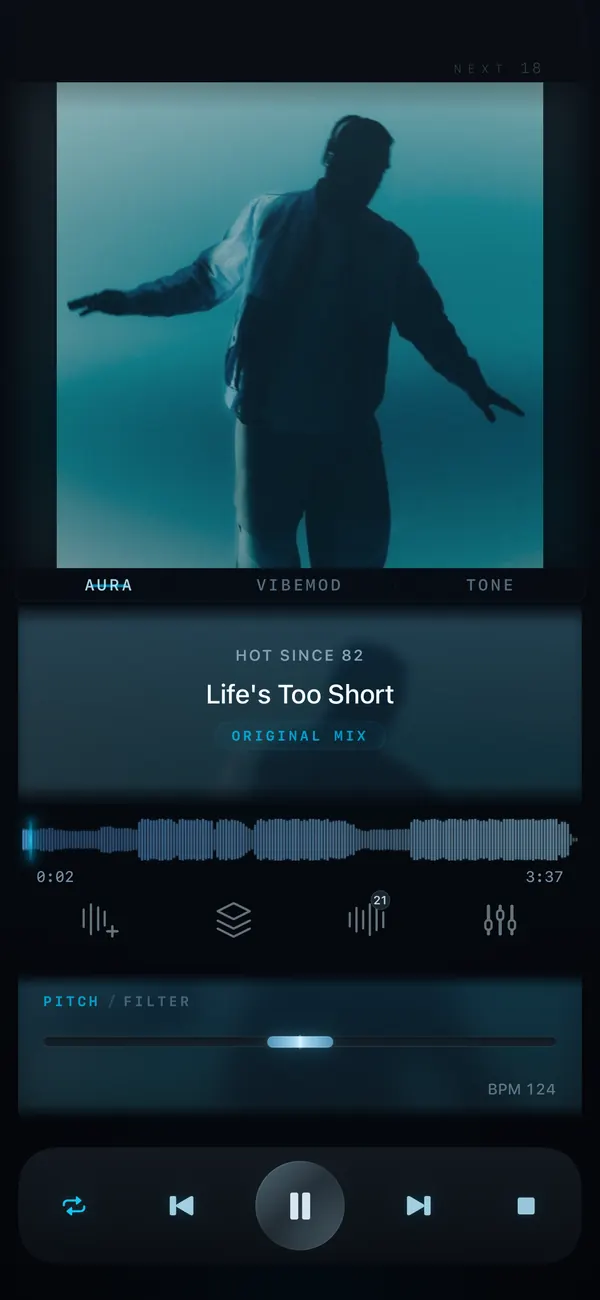
The filter is the DJ’s most used effect for a reason. One knob takes the track from full sound to a thin, phone-like sweep and back, building tension before a drop. In VibeDeck Studio the filter sweeps from low-pass to high-pass live, while the track keeps playing.
Features / 03
Filter, live
LP to HP sweep
Sweep the filter in real time: low-pass cuts the highs, high-pass cuts the lows.
Stack with other effects
Combine the filter with pitch, saturation and space for builds, breakdowns and transitions.
Presets and recording
Save your favorite filter moves as presets, then record the mix with REC.
Step by step
- Open a track in VibeDeck Studio.
- Open the filter effect while the track plays.
- Sweep from low-pass to high-pass in real time.
- Add pitch, saturation or space for a bigger build.
- Press REC to record your mix and share the clip.
Who uses the filter
- DJs building tension before a drop.
- Bedroom producers sketching transitions.
- Dancers marking a break for choreography.
- Anyone who wants a mixer-style sweep without the mixer.
The filter is part of VibeDeck Studio, the creative toolkit in VibeDeck Player. The core player is free with no ads.
Also see: how to loop part of a song, pitch and tempo control.
FAQ / 05
DJ filter: FAQ
What does the DJ filter do?
It sweeps the sound from full range to filtered and back. A low-pass sweep removes the highs for a muffled, underwater feel; a high-pass sweep removes the lows and thins the track out.
How do I use the filter in VibeDeck Studio?
Open the filter effect while a track plays and sweep from low-pass to high-pass in real time, like a DJ mixer knob.
Can I combine the filter with other effects?
Yes. Stack the filter with pitch, saturation and space in VibeDeck Studio for builds, breakdowns and transitions.
Can I record my filter performance?
Yes. Studio’s REC captures up to 2 minutes with fade in and fade out, and you can share the recorded clip.
Are there filter presets?
Yes. VibeDeck Studio includes presets for the filter and the other effects, so you can recall your favorite settings instantly.
Download / iOS · Android
Download VibeDeck Player
Sweep the filter live, stack effects, record the mix. Offline. No ads.