How-to / Loop
How to loop part of a song.Beat-snapped loops, tuned to the grid
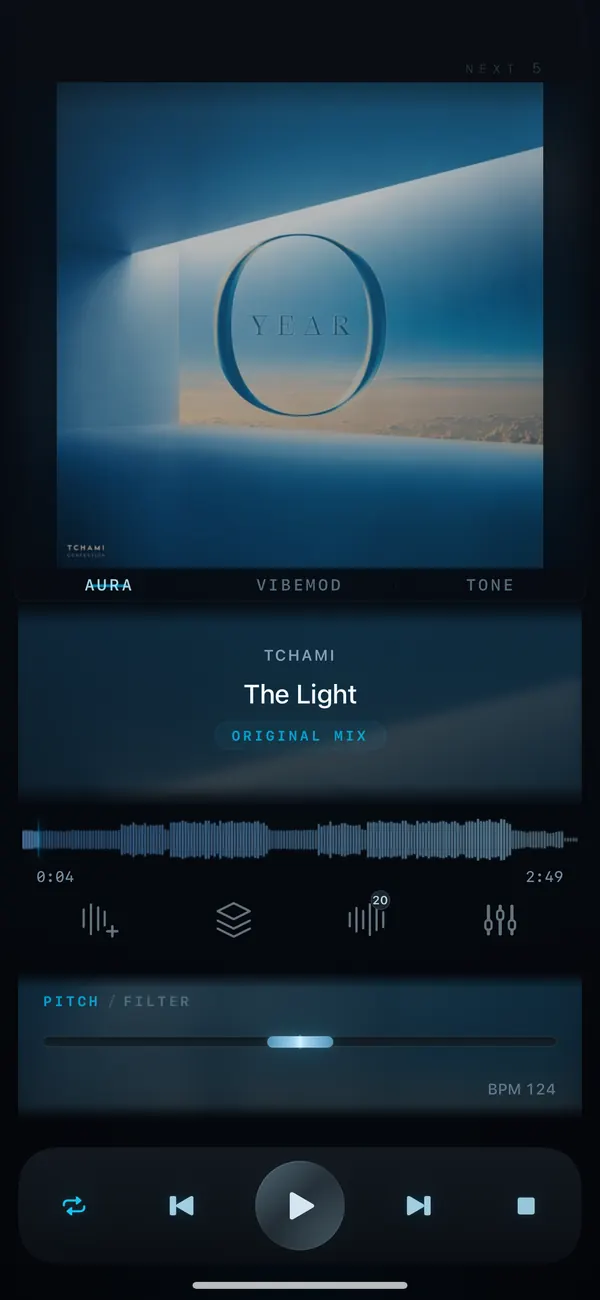
To loop part of a song, open it in VibeDeck Studio and set a beat-snapped loop from half a bar to 8 bars. The loop locks to the beat grid, and you can fine-tune the grid if the track drifts. Loop any section, then record it with one tap. Works offline on iPhone, iPad and Android.
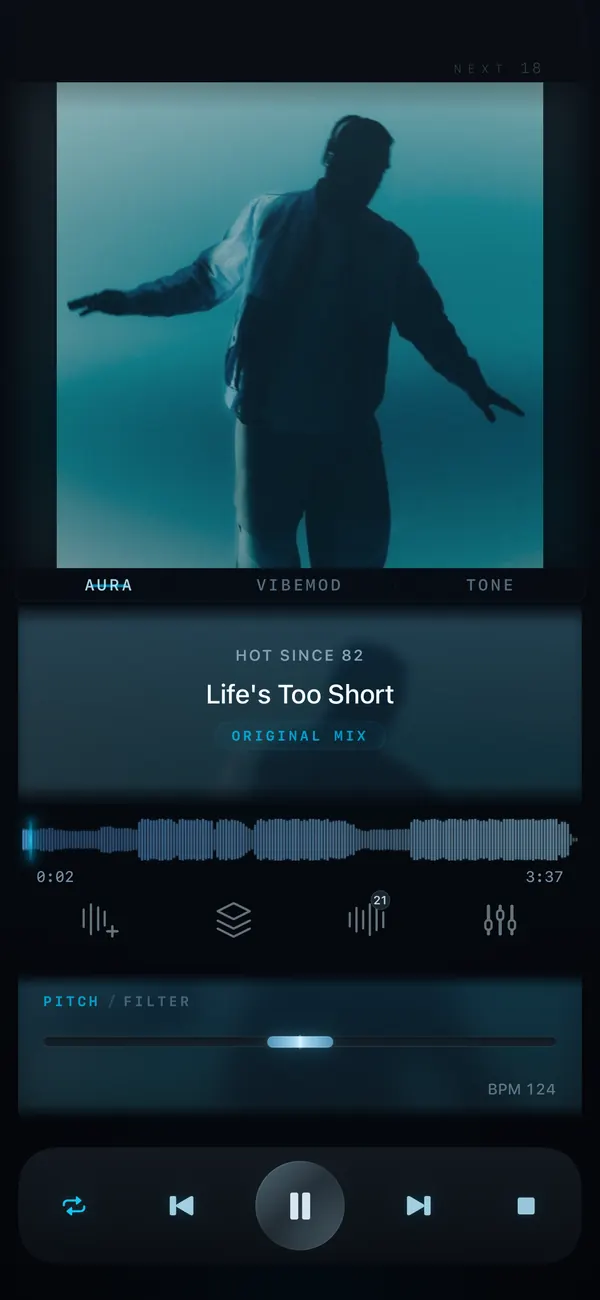
A loop that is not on the grid drifts. It cuts mid-beat, the groove stumbles, and every repeat sounds sloppy. Beat-snapped loops lock to the detected beat grid, so the loop starts and ends exactly on a beat. That is what makes a two-bar loop sound like it was produced that way.
Features / 03
Beat-snapped looping
Loops that snap to the beat
Set a loop from half a bar to 8 bars. It locks to the beat grid and stays in time with the track.
Fine grid tuning
If the track drifts off the beat, nudge the grid until the loop sits exactly where it should.
Record and share
Hit REC to capture up to 2 minutes with fade in and fade out, then share the clip.
Step by step
- Open the track in VibeDeck Studio.
- Let Studio analyze the track and detect the beat grid.
- Set the loop length from half a bar to 8 bars and place it on the section you want.
- Fine-tune the grid if the track drifts off the beat.
- Press REC to record your loop and share the clip.
Who loops
- Guitarists looping a riff to practice it on repeat.
- Dancers and coaches rehearsing a tricky count on a loop.
- DJs extending a breakdown or an intro.
- Producers auditioning a section as a sample idea.
- Singers drilling one phrase until it sits right.
Loops are part of VibeDeck Studio, the creative toolkit in VibeDeck Player. The core player is free with no ads.
Also see: slow down a song, DJ filter effect.
FAQ / 05
Looping songs: FAQ
How do I loop part of a song?
Open the track in VibeDeck Studio, set a loop from half a bar to 8 bars, and place it on the part you want to repeat. The loop snaps to the beat grid and plays it back seamlessly.
What does beat-snapped mean?
The loop start and end lock to the detected beat grid, so each repeat begins exactly on a beat instead of cutting mid-beat.
How long can a loop be?
Loops in VibeDeck Studio range from half a bar to 8 bars.
Can I record a loop?
Yes. Studio’s REC captures up to 2 minutes with fade in and fade out, and you can share the recorded clip.
Where is looping in VibeDeck Player?
Loops are part of VibeDeck Studio, the creative toolkit inside VibeDeck Player. The core offline player is free with no ads.
Download / iOS · Android
Download VibeDeck Player
Loop any part of a track, in time. Offline. No ads.